
Categories
Celebrities and digital activism
Here you have some guidelines to upload your video file (debate, video blog or any other video) created by yourself for the Social Media class) on your WordPress.
Create your video file for the class and save it in your media library. As the free WordPress account only allows to upload video files from a URL, first you will need to upload it on Youtube.
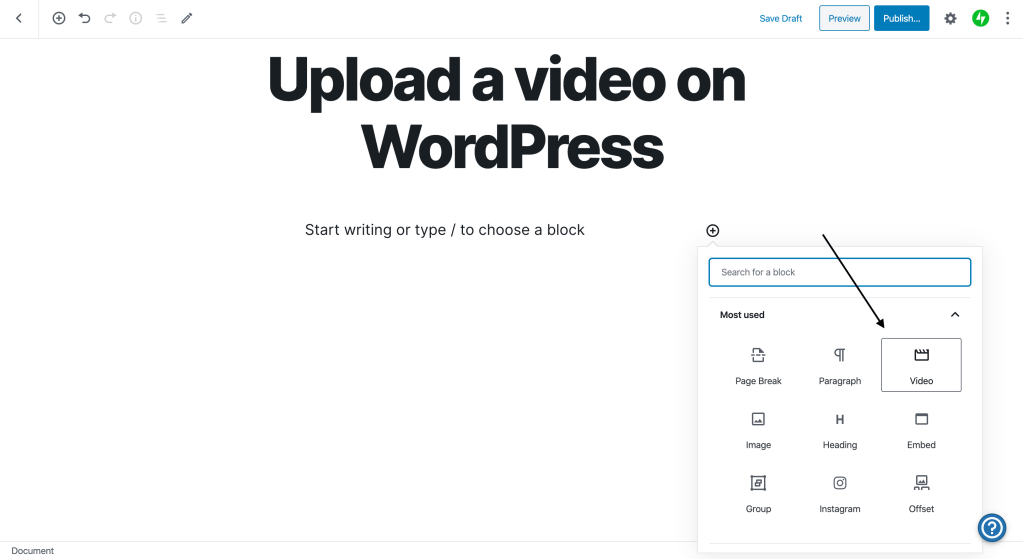
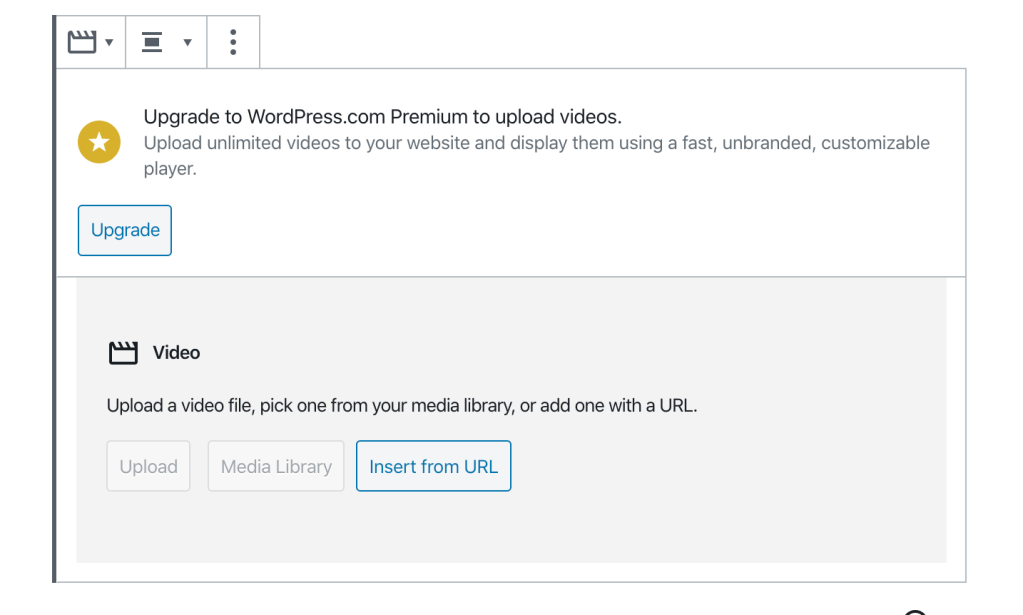
You can watch this tutorial or follow the instructions below.
1. Logging in your Youtube account.
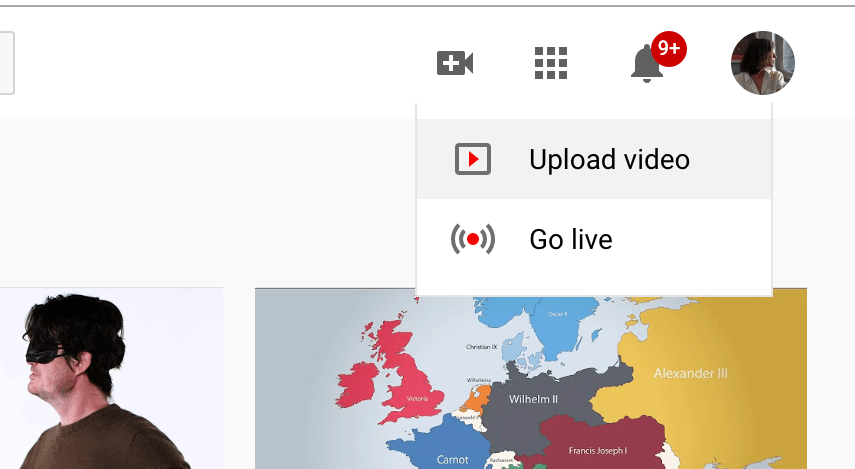
2. Go to CREATE (top right corner of the website)

3. Select UPLOAD VIDEO
4. Select a file from your computer.
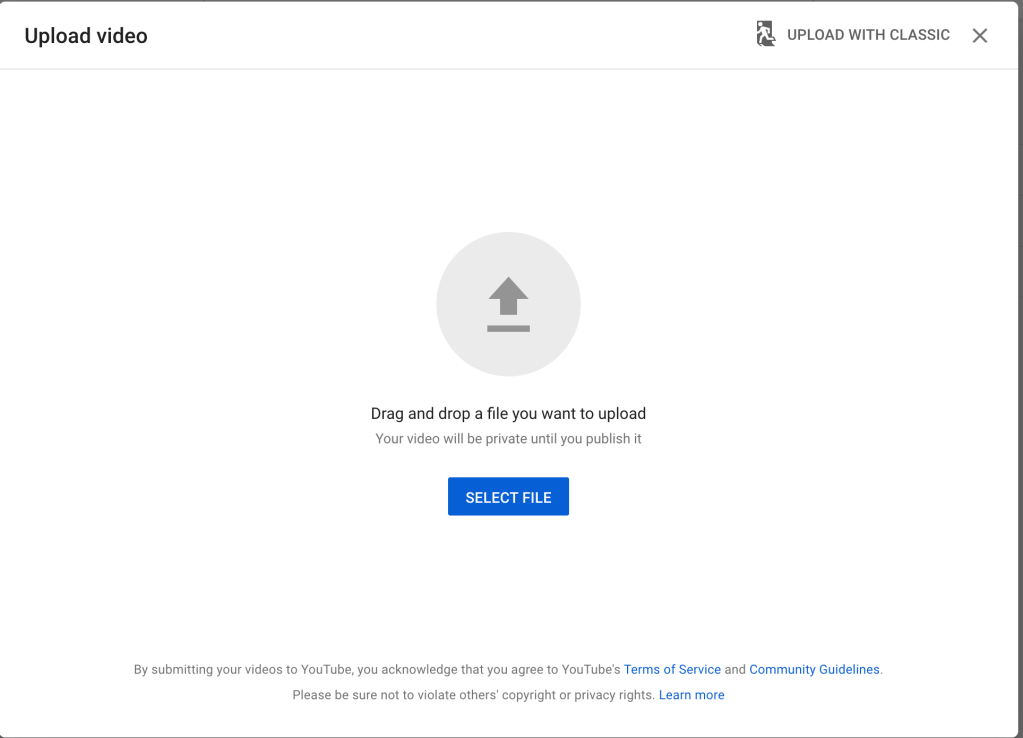
5. Select a title and press NEXT.
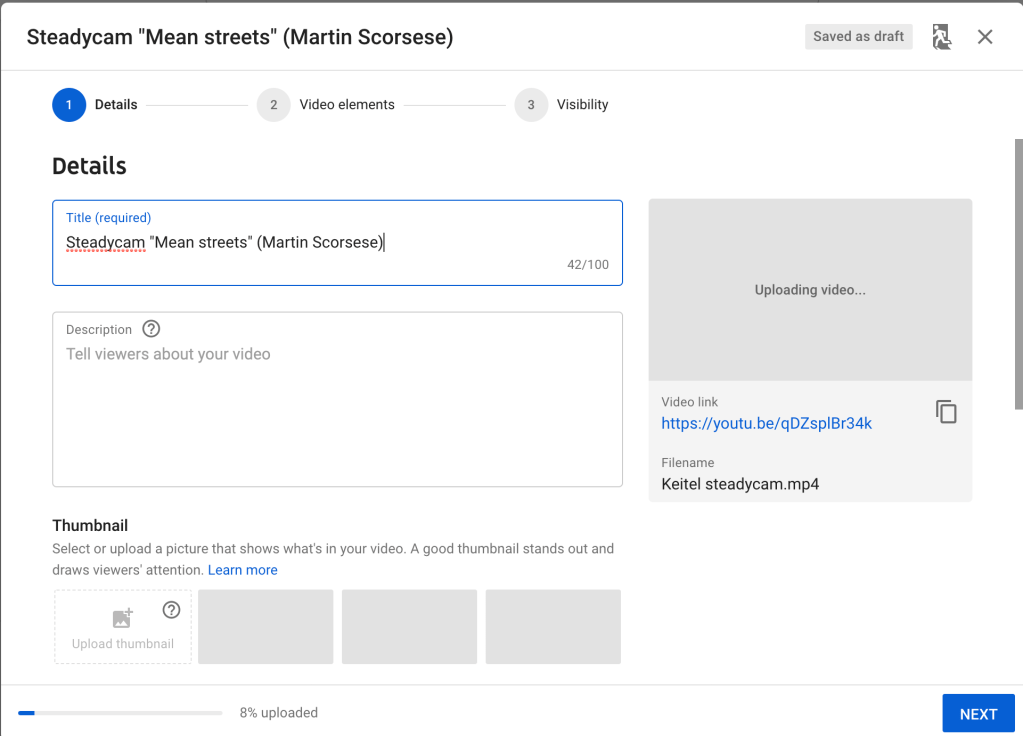
6. Before saving the video you will need to make it PRIVATE and press SAVE. Press the option UNLISTED so you could publish the video on your WordPress but keep it private on Youtube.

7. Copy the link and insert it into WordPress. It will show up like the video below.
 Social Media CEA Summer